
This is a sneak preview -- you are seeing this page because you need to possibly
approve this content and get back to us. Have a great day!
 Pooja Jaisingh, the founder and chief learning geek at LearninGeeks, leads the design and delivery of eLearning and training solutions. She has created several award-winning eLearning courses and eBooks, and regularly conducts workshops and webinars on eLearning tools and techniques. In her previous roles, she worked as a teacher trainer, instructional designer, and senior Adobe eLearning evangelist. Pooja holds a master’s degree in education and economics and a doctorate in educational technology.
In this conversation, Pooja discusses her LinkedIn Learning course, Captivate 9 Advanced Techniques.
Geetesh: Pooja, please tell us about your new course, Captivate 9 Advanced Techniques. Primarily, what would course participants take away from this course?
Pooja :Hi Geetesh, the new course on Captivate 9 Advanced Techniques will allow the users to take their Captivate design and development skills to the next level and give them the ability to create custom interactions using the advanced features in Captivate 9. This course is for intermediate and advanced users. If the user is brand new to Captivate or just getting started and has limited skills related to Captivate, I would recommend that they first complete the Captivate 9 Essential Training, which will help them get well-versed with the basic features and functionalities of the tool.
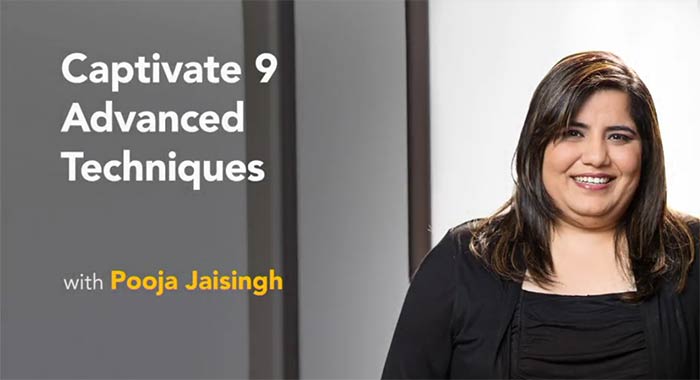
In the Captivate 9 Advanced Techniques course, I have explained the concepts of actions, events, multi-state objects, effects, variables, and advanced actions in detail. Clarity on these concepts will help Captivate users build custom interactions of their choice, with ease. I’ve also picked some custom interactions that are most commonly required in eLearning courses, and have shown how to build them step-by-step. Besides that, I’ve also covered the advanced quizzing options, generating text to speech, enabling accessibility, and some productivity tips for building Captivate courses.
Microsoft and the Office logo are trademarks or registered trademarks of Microsoft Corporation in the United States and/or other countries.