
This is a sneak preview -- you are seeing this page because you need to possibly
approve this content and get back to us. Have a great day!
 Known as her nickname "P-Spice," Lia is a management consultant with a passion for teaching others how to make presentations more engaging and impactful. She regularly shares presentation tricks on her popular YouTube channel PowerPoint Spice and the Spicy Presentations blog. In her full-time consulting job, she works with global Fortune 500 clients on solving their strategic planning and leadership development challenges.
In this conversation, Lia talks about how she got started with her PowerPoint animation tutorials, as well as her recently released Spicy Slide Pack.
Geetesh: Lia, you have created some amazing PowerPoint animations and your YouTube channel is hugely popular. Can you tell us about what got you inspired and started?
Lia: It's been a fun and interesting journey. I've always loved being creative and expressing myself since I was young. When I was in middle school, for example, I used to borrow my parents' camcorder and make funny videos with my (large!) collection of toys from McDonald's Happy Meals. I think video making is so much fun – I think if I weren't a management consultant now, I might be a film director or actress for that reason.
Later, as I went through college and graduate school, making lots of presentations along the way, I started to see the potential of PowerPoint to make cool animation effects similar to those I made with my video work. Moreover, when I started my job and making presentations for clients, I discovered that animations weren't just fun to use but when placed strategically, they could add significant impact to presentations.
Of course, a good presentation must always start with compelling content and a carefully crafted flow. Animations are then essentially icing on the cake – they take the impact to an even higher level – and can often make presenters stand out from the rest.
Yet, most people don’t know the full power of PowerPoint for creative animation and design techniques, as it's not really taught in schools beyond the basics.
PowerPoint is so much more than a presentation tool. It is really a blank canvas where you can unleash your creativity and come up with endless possibilities. There are so many photo, video, and animation options that, when combined in new and unique ways, can make extremely cool and often professional looking effects.
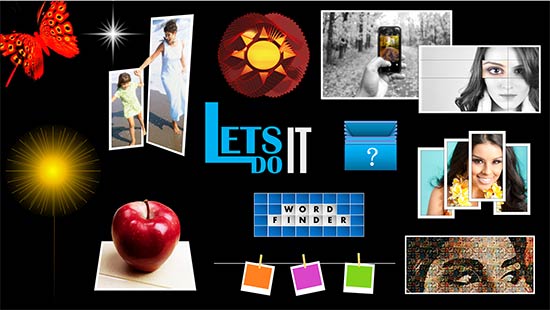
This is exactly what I demonstrate through the tutorials on my YouTube channel and blog. I take simple techniques and combine them in creative ways to get stunning effects that some don't even believe are done in PowerPoint. I often get messages from people saying their minds have been opened (or blown) by all they've learned.
It's been really fun and rewarding to help people around the world spice up their presentations. Yet, while it seems logical for me to be on YouTube, given my interest in video making, getting there was actually not that easy. It came after many challenges, failures, and rejections from other places. To learn more, check out my animated timeline tutorial video, and stick around until 5:11 when I talk about my personal timeline.
Microsoft and the Office logo are trademarks or registered trademarks of Microsoft Corporation in the United States and/or other countries.